
Living in a modern smart apartment is a popular goal. Smart technology makes everyday tasks easier, improves home security, and helps save electrical energy. However, building a unified smart home can seem complicated when residents prefer different software ecosystems.
While you can download third-party smart home applications on virtually any smartphone, the real convenience comes from using native apps. For example, one person might be accustomed to the Apple Home interface (as Apple develops both the hardware and the operating system), while another prefers Google Home or Samsung SmartThings on their Android device.
In the past, technology companies created closed ecosystems. If you bought a smart lamp designed exclusively for Apple HomeKit, someone using Google Home could not control it natively. Users had to buy all their devices from one specific brand, which was expensive and limited choices. Today, the main goal for modern developers is to allow users to stick to their preferred software interfaces without conflicts. Here is a clear and professional guide on how to plan and build this unified system in your apartment.
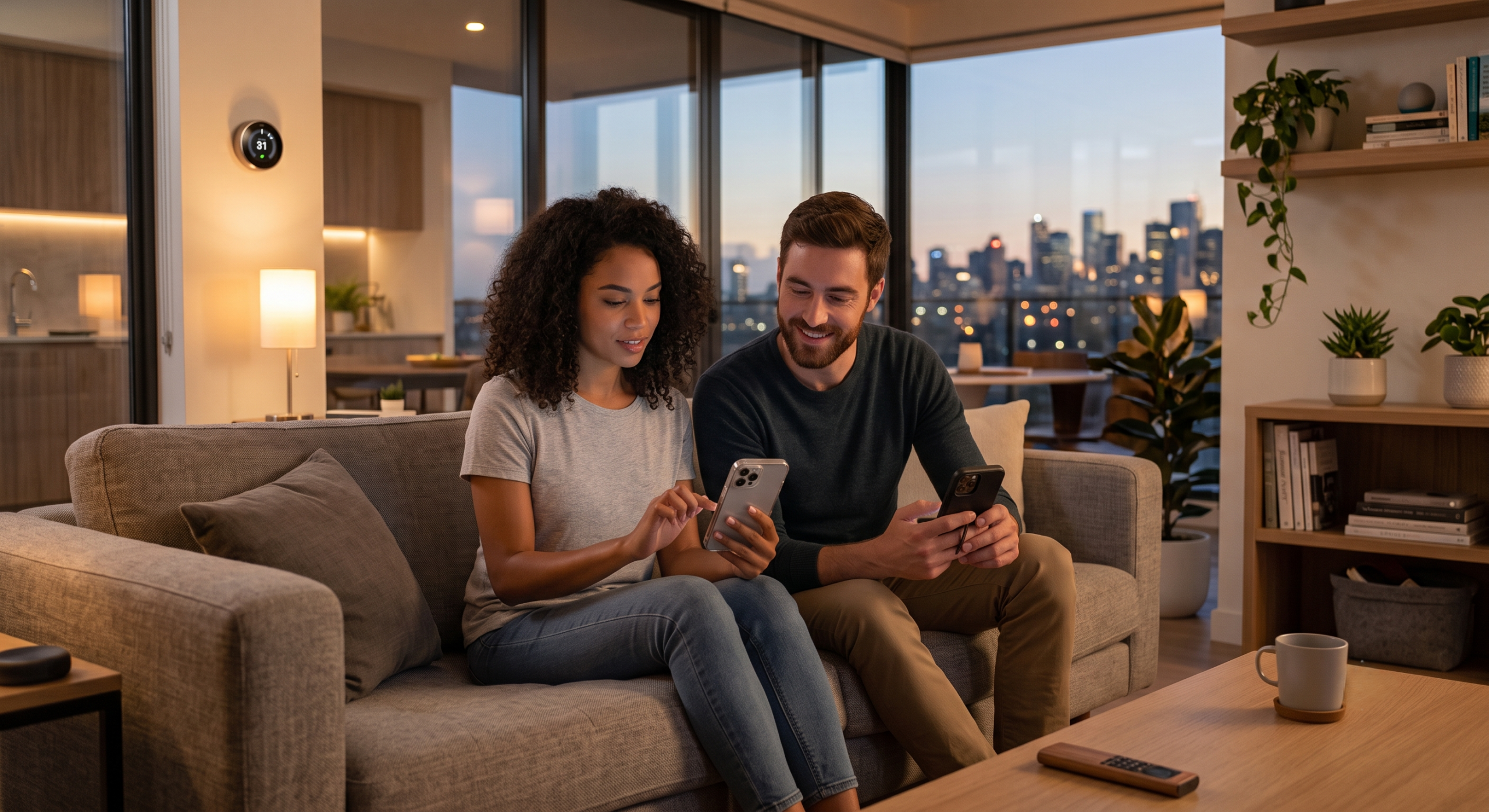
The Matter protocol
The most important update in smart home technology is a standard called Matter. Matter was developed by the Connectivity Standards Alliance (CSA).
Matter acts as a common set of rules that allows different smart devices to communicate easily. Before this standard, buyers had to read product labels carefully to check for specific compatibility. Matter solves this problem. If a smart device uses the Matter standard, it will integrate naturally into both Apple Home and Google Home environments.
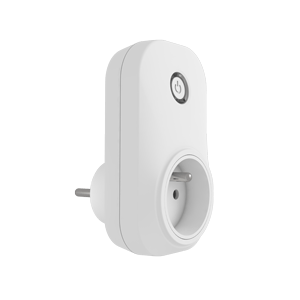
One of the best features of Matter is that multiple native platforms can control a single device simultaneously. You can set up a new smart plug using the Apple Home application and immediately share access with your partner’s Google Home application. Both people can turn the plug on or off from their preferred interface without downloading extra third-party apps or creating new accounts. Additionally, Matter works over your local Wi-Fi connection, processing commands inside your apartment for faster reaction times and enhanced privacy.
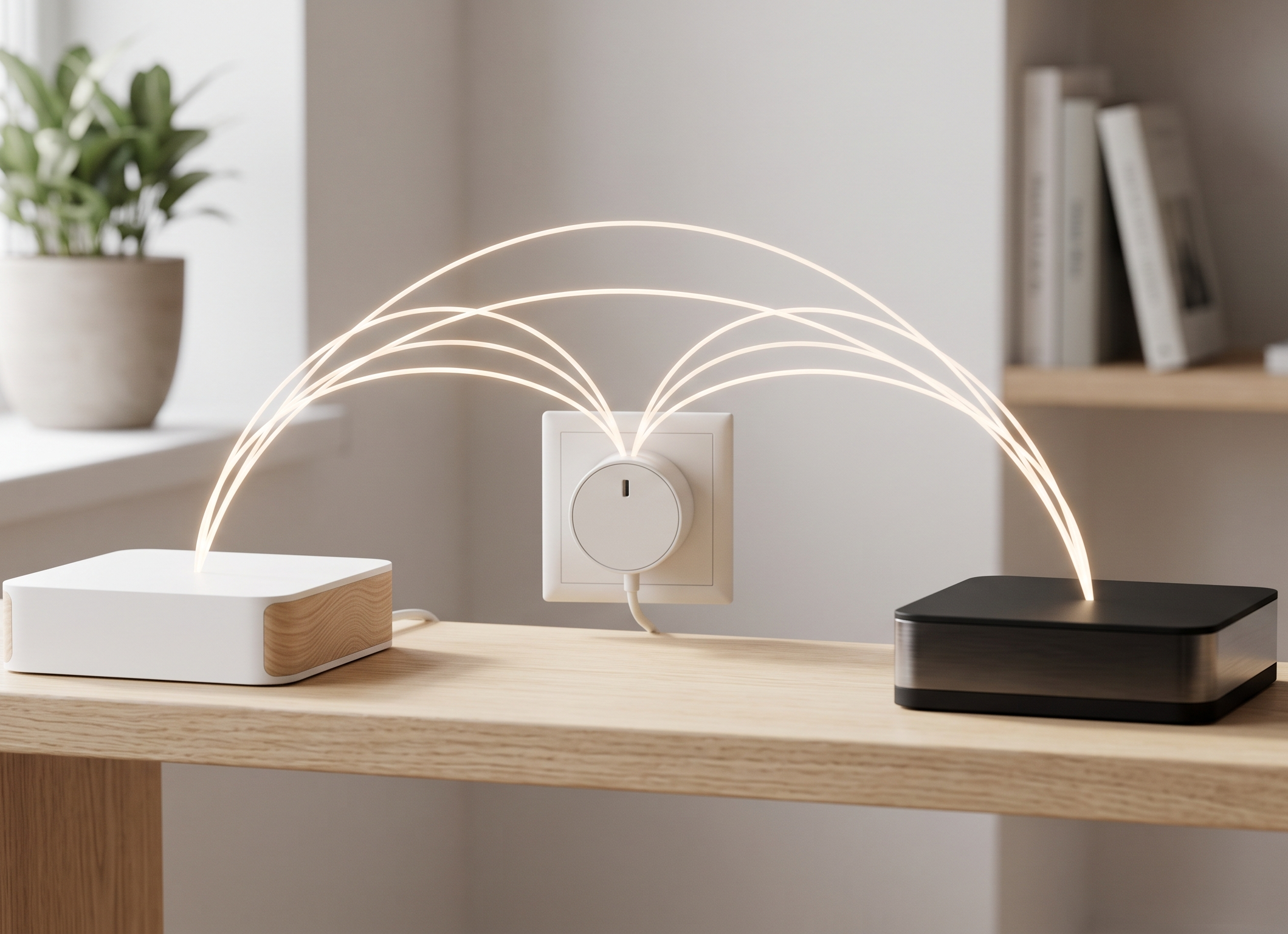
The Thread network
While Matter provides the rules for communication, Thread is the actual technology that sends data between modern devices.
In a traditional setup, every smart bulb or sensor connects directly to your main Wi-Fi router. Standard routers are excellent for downloading large files, but they can struggle if you connect thirty or forty smart home devices at the same time.
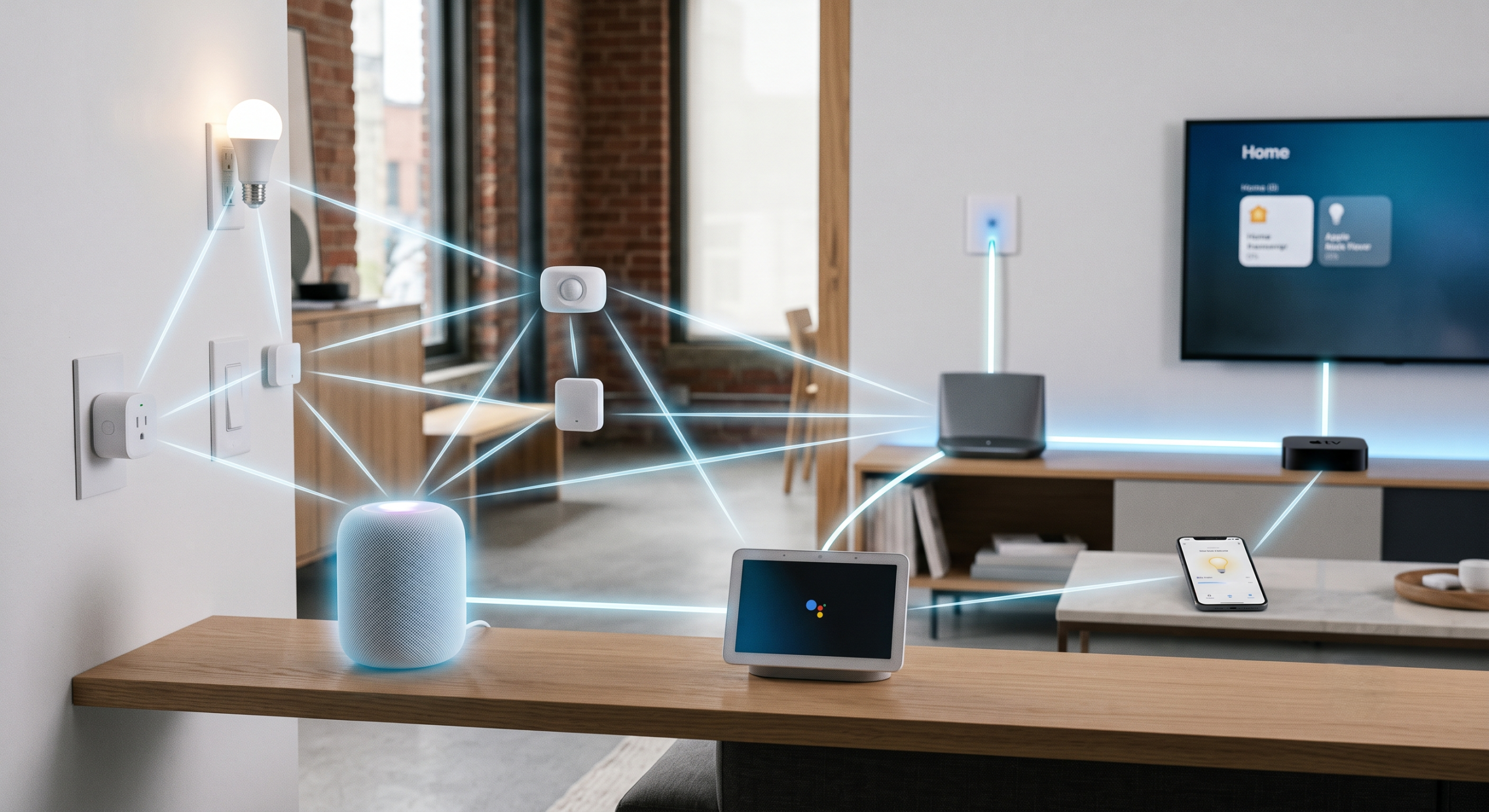
Thread solves this by creating a “mesh network.” Smart devices connect to each other rather than directly to the router. A smart switch in the hallway can pass a signal to a smart light in the bedroom. If one device loses power, the network automatically finds a new path to send the information.
To connect this Thread network to your smart home apps, you need a “Thread Border Router.” Many common devices, such as an Apple TV, Apple HomePod, or Google Nest Hub, have this built-in. These devices share the network, allowing a command sent from an Android phone via Google Home to seamlessly control a light through a unified Thread network.
Central control servers for legacy equipment
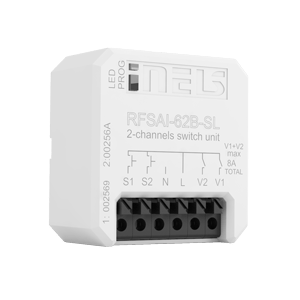
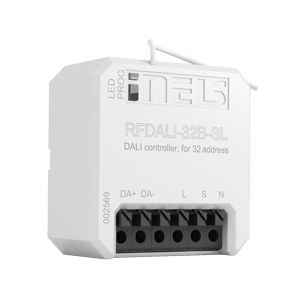
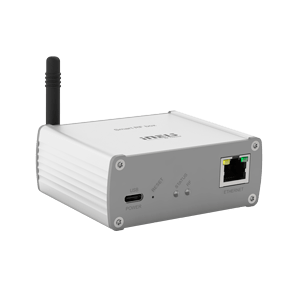
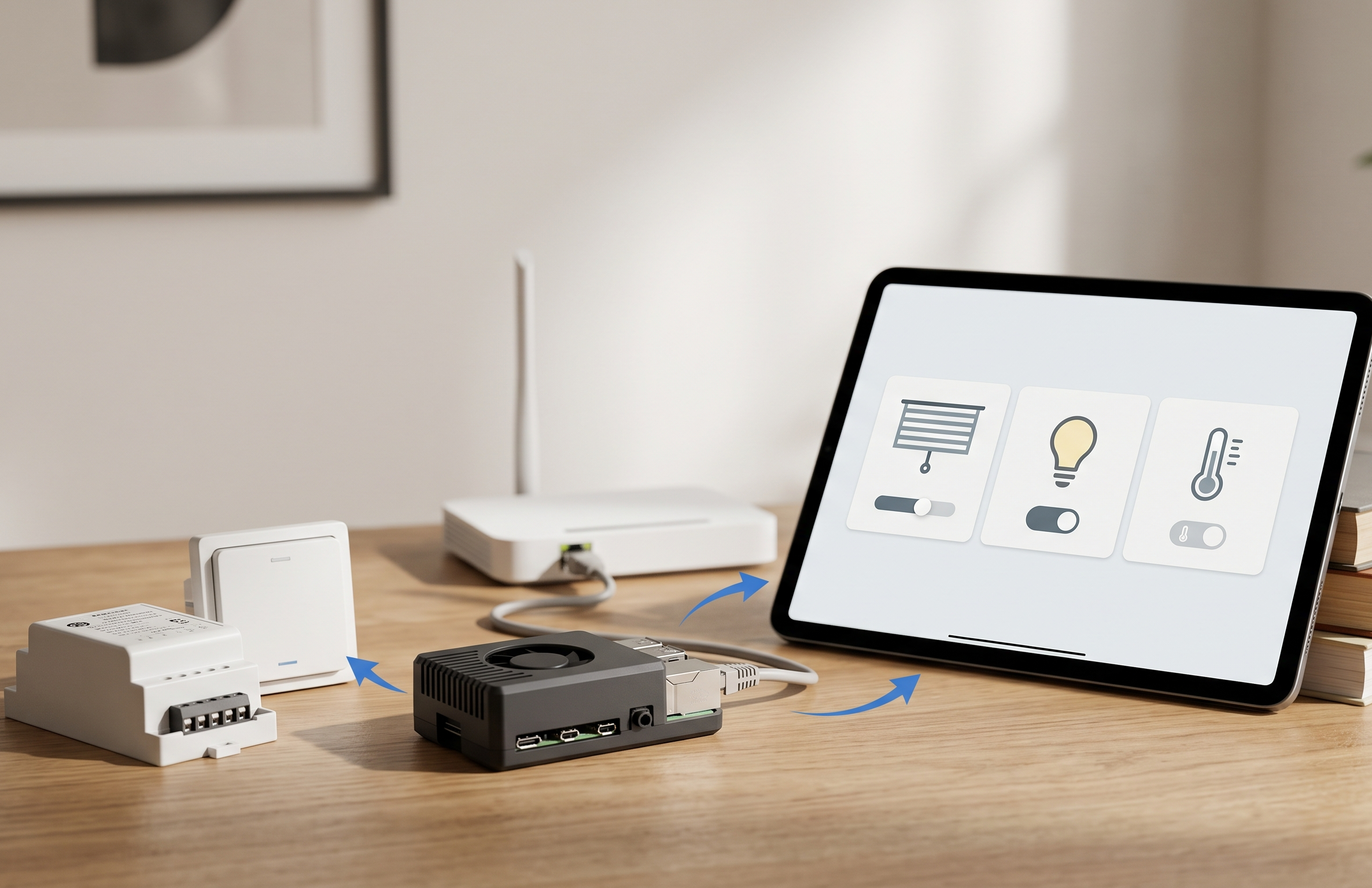
While Matter is the standard for modern devices, many apartments already have older smart equipment—such as basic Wi-Fi relays or standard European smart switches — that do not support it. Although this shifts away from Matter’s direct integration, you do not need to replace working devices. To bridge the gap and bring these older devices into your native Apple or Google apps, you can install a central control gateway.
Software like Home Assistant is an excellent and professional tool for this purpose. Installed on a small, affordable computer inside your home, it acts as a universal translator. Its primary task is to receive data from legacy devices made by different manufacturers and organize them into one system (note that Home Assistant also fully supports Matter).
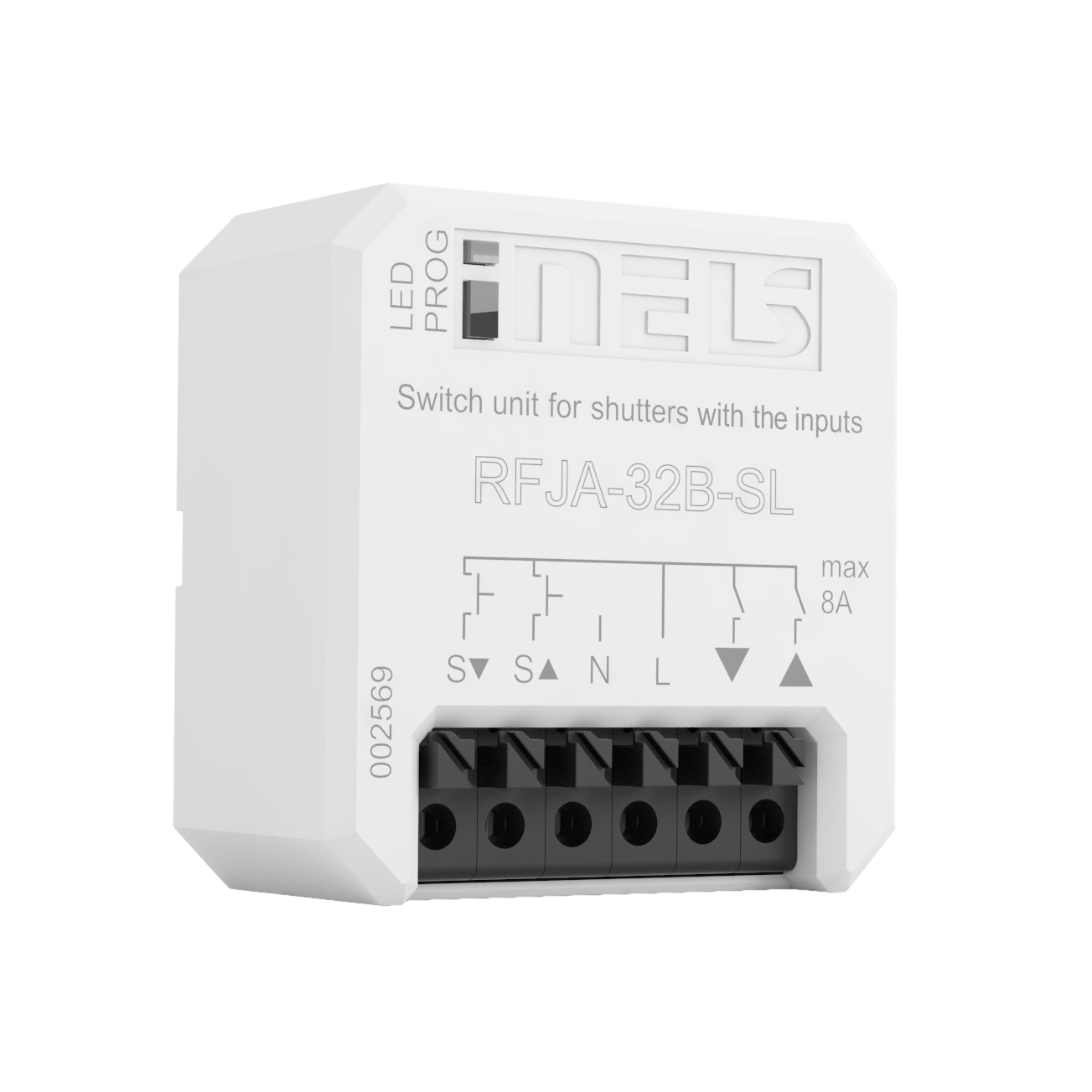
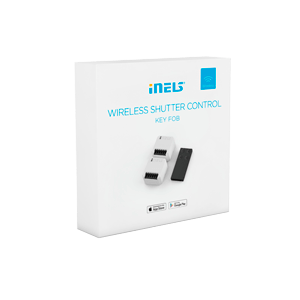
When you connect an older device to this central server, the server can share it with both Apple and Google platforms. For example, if you have a motorized window blind that only has a proprietary app, the central server translates its signal so it appears in Apple Home or Google Home as a standard, native device. This keeps your technology organized and accessible within everyone’s preferred interface.
Simple control options for everyone
A smart home should be simple and fast to use. If a guest or a family member needs to open an app just to turn on the bathroom light, the system is not well-designed. It is essential to have physical control methods that do not require a smartphone.
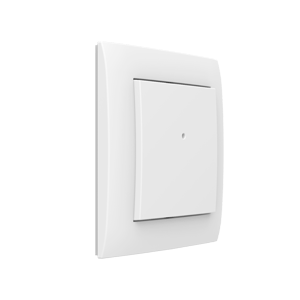
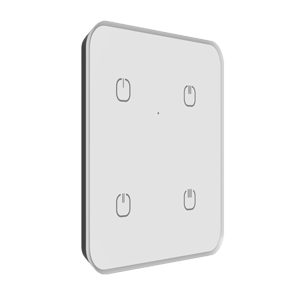
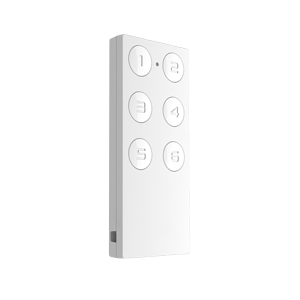
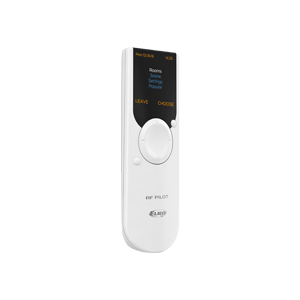
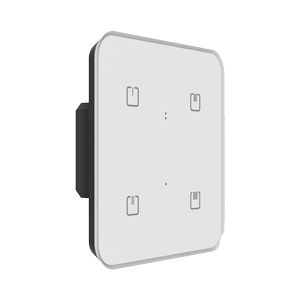
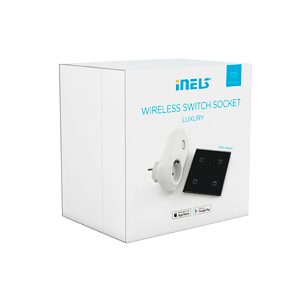
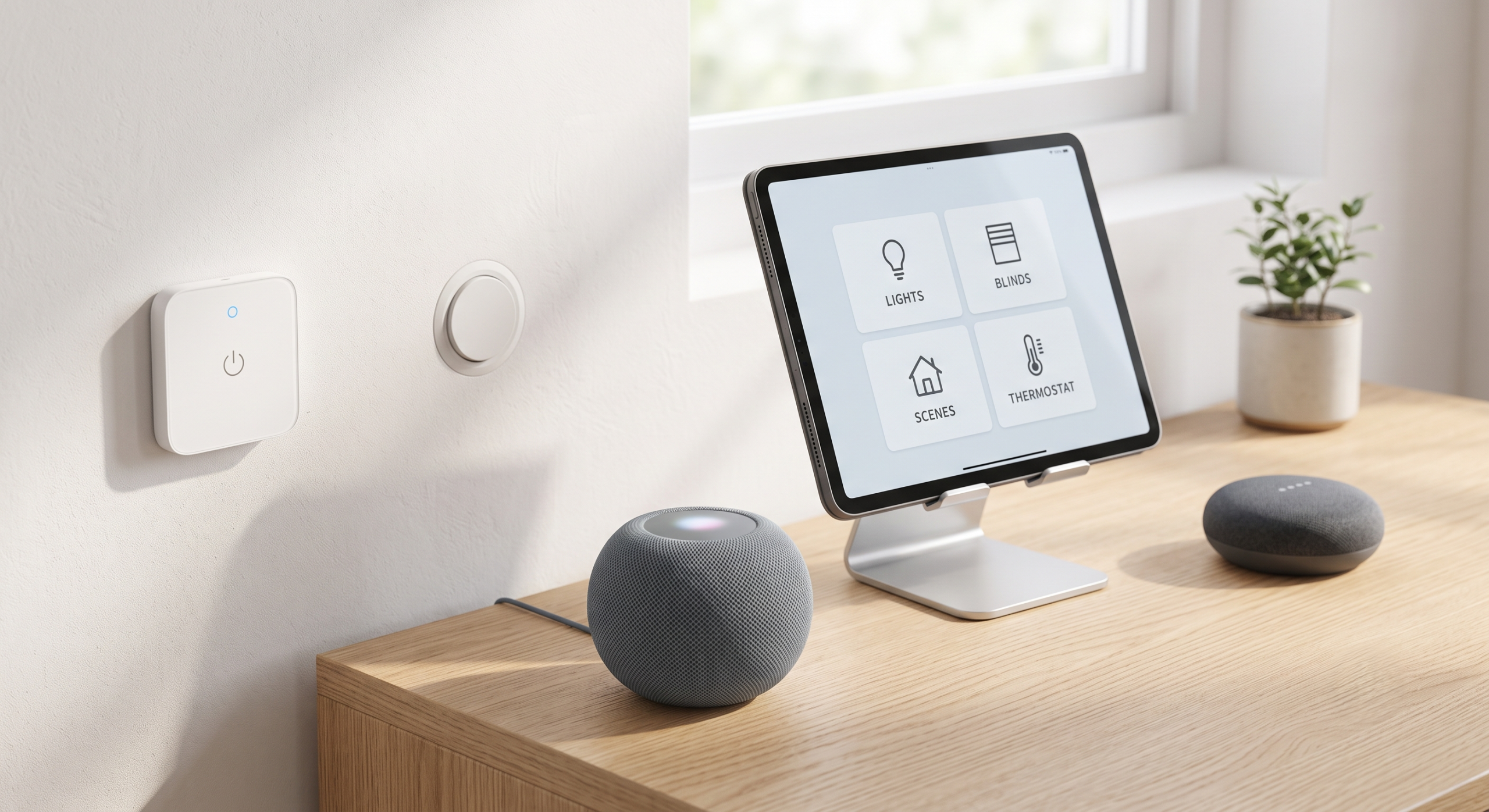
- Smart buttons and switches: You can install wireless smart buttons on your walls. Pressing one button near the front door could lock the apartment, turn off all the lights, and lower the heating temperature. This is convenient for any user.
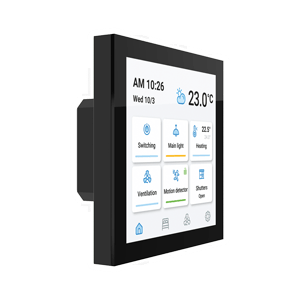
- Wall-mounted screens: You can mount a basic tablet or iPad in the kitchen or hallway to display a clear control menu. This gives everyone permanent, easy access to the home’s settings without needing their personal devices.
- Voice control: Because your system is connected through unified standards, you can place an Apple smart speaker in one room and a Google smart speaker in another. Both will perform the exact same smart home actions when given a command.
Automatic presence detection
One of the hardest tasks in a smart home is setting up automatic actions based on who is inside the apartment, like turning off heating and lights when the last person leaves.
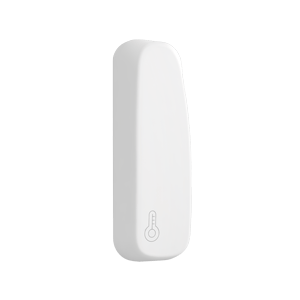
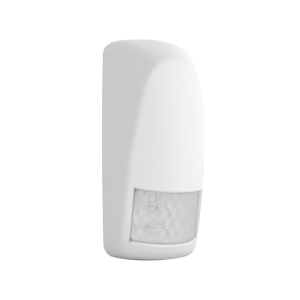
Relying purely on mobile phone GPS can sometimes be inconsistent when mixing different operating systems and background app refresh rules. To avoid errors where the lights turn off while someone is still in the living room, professionals recommend using motion or presence sensors.
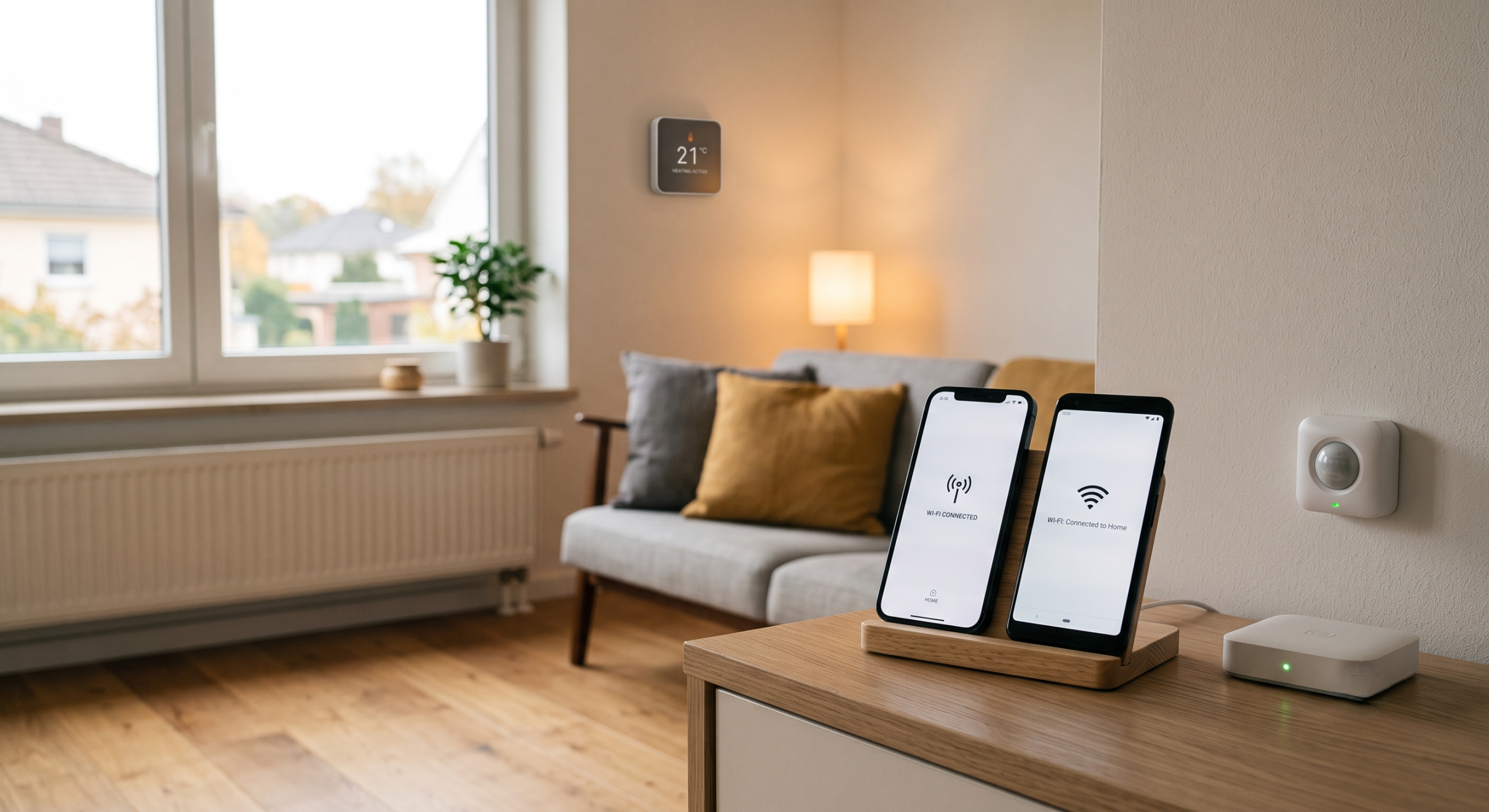
You can also use another smart algorithm. Your central server can monitor if the residents’ smartphones are connected to the home Wi-Fi network. When all assigned phones disconnect from the Wi-Fi, the system confirms the apartment is empty and safely turns off the required devices. This local method is highly accurate and does not track physical locations outside the home.
Building a smart apartment that caters to everyone’s software preferences is now a highly streamlined process. Thanks to the Matter standard, reliable Thread networks, and central servers for older tech, you can integrate everything seamlessly. A well-planned smart home provides comfort and saves energy while allowing every resident to control the home using the native app they like best.